NEW: Powered by Gemini 2.0 & Groq AI

Your Web,
Understood Intelligently.

Don't just browse — analyze. Axon adds a powerful "Vision" layer to your browser, letting you analyze images, summarize lengthy pages, and autofill forms with your personal digital twin context.

100% Local Storage Privacy
BYOK Gemini · Groq · OpenAI
0ms Cloud Latency Overhead
axon-assistant // vision-active
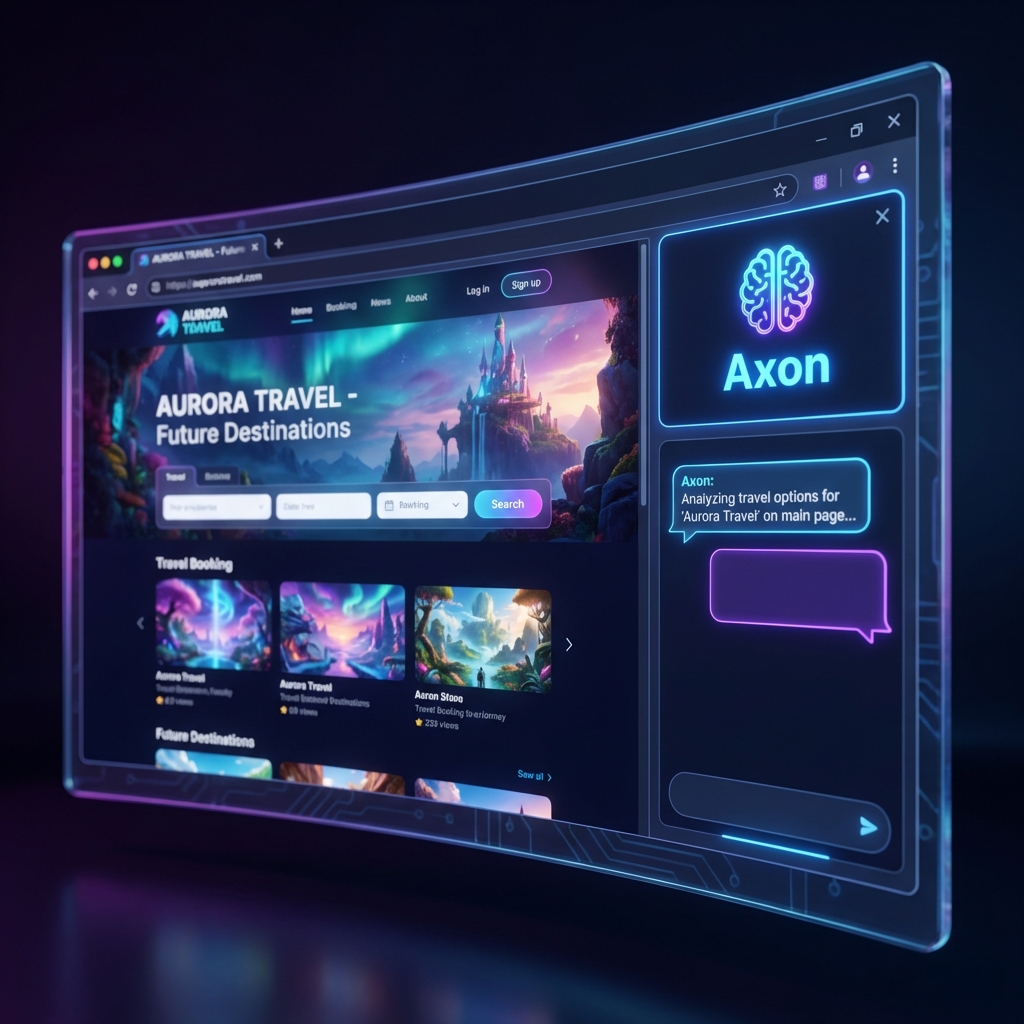
Axon Interface Mockup

Vision AI OCR

Instant visual chart & page analysis

Zero Backend DB

Keys stored in chrome.storage
Supported AI Infrastructure & Ecosystem

Google Gemini
Groq Llama 3
OpenAI GPT-4o
Chrome Extension V3

Supercharge Your Web Browsing

Axon acts as your second brain, seamless context layer, and vision assistant right inside Chrome.

See & Reason Over Any Tab

Axon extracts visual insights from your screen. Right-click any region, element, or entire website to synthesize content instantly.

  • Explain complex charts, diagrams, and UI mockups
  • Debug UI layout or error trace screenshots
  • Summarize long research papers and blog posts
Vision AI Feature Preview

Intelligent Form Assistant

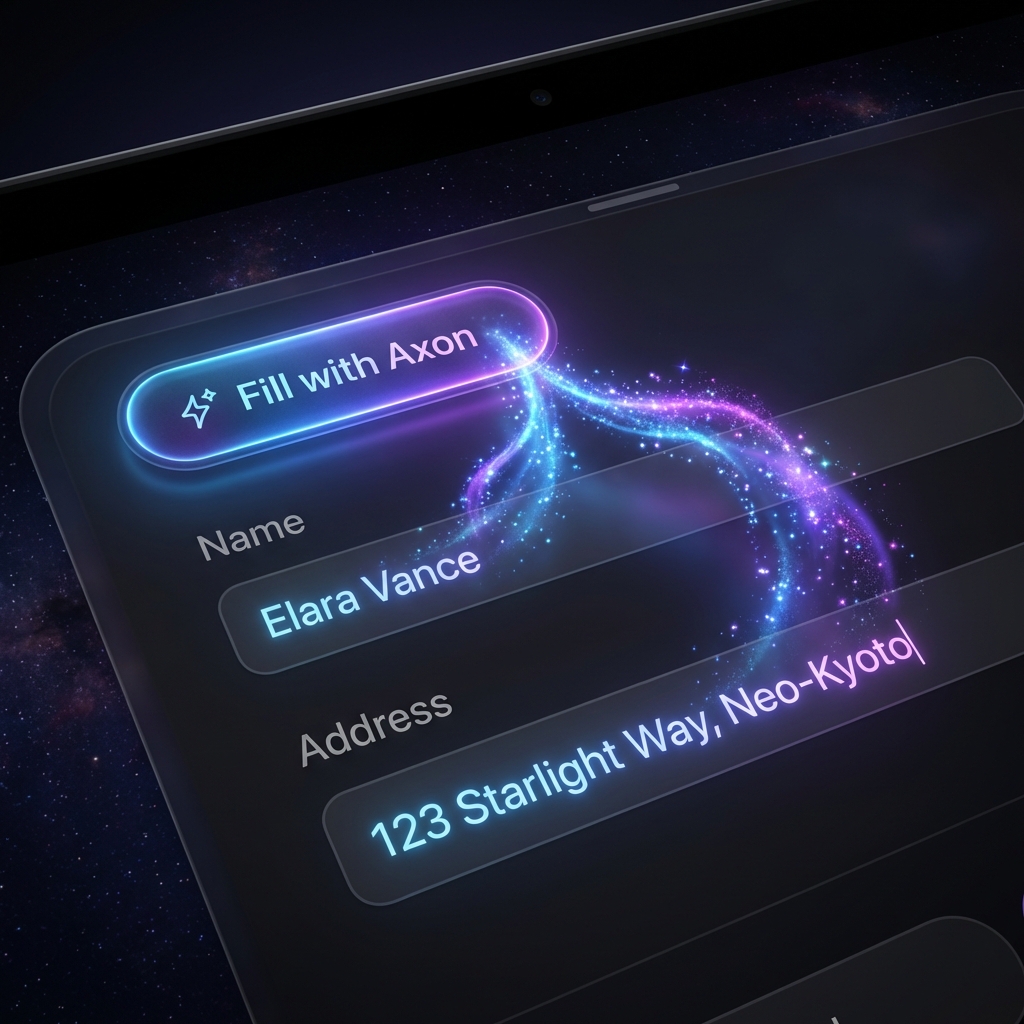
No more tedious manual copy-pasting. Axon understands field context and fills job applications, registration forms, and surveys with your persona.

  • Smart intent routing for ambiguously named fields
  • Custom Digital Twin profile tailoring
  • Works on dynamic React, Vue, and traditional forms
Autofill Feature Preview

Zero-Cloud Local Memory

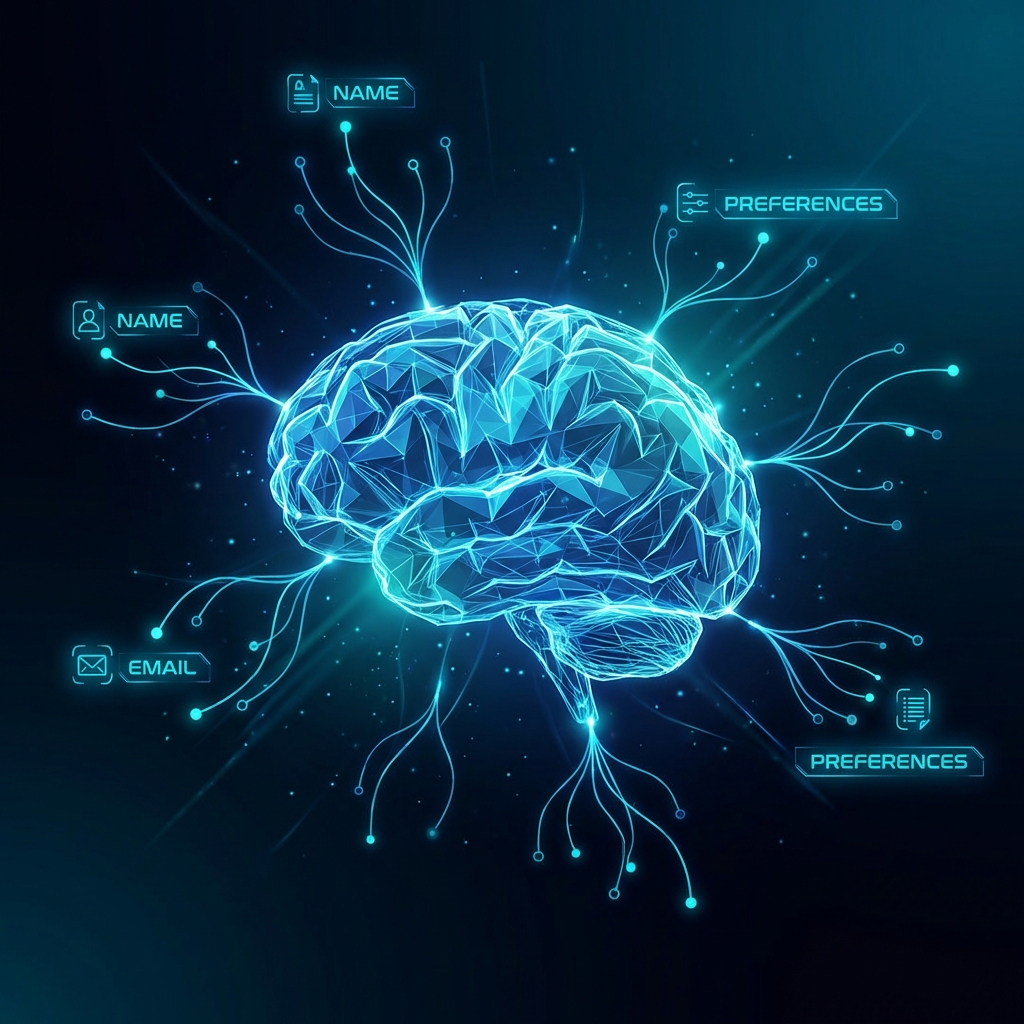
Mention a detail once — your role, portfolio links, or preferred formatting — and Axon remembers it locally across every session.

  • 100% encrypted in chrome.storage.sync
  • No backend tracking or third-party database logs
  • Instant context retrieval for every query
Memory Feature Preview

Up and Running in 60 Seconds

No complex onboarding, no server setup. Bring your API key and take full control of your AI workflow.

01

Install Extension

Add Axon to your Chrome toolbar with one click directly from the official Chrome Web Store.

02

Add API Key

Enter your free API key from Google Gemini, Groq, or OpenAI. Your key stays encrypted on your device.

03

Right-Click Anything

Highlight text, capture screen regions, or trigger Axon from the context menu or floating widget.

Your Keys. Your Data. Your Choice.

Axon was engineered with a strict privacy-first mindset. Unlike traditional browser assistants, Axon operates with zero intermediary backend servers.

Local Key Vault

Stored in chrome.storage

No Telemetry

Zero tracking or log collectors

Architecture Diagram

Frequently Asked Questions

Everything you need to know about Axon, privacy, and API key management.

Is Axon free to use?
Yes! Axon is 100% free and open-source. You bring your own API key from providers like Google Gemini (which offers generous free tiers), Groq, or OpenAI.
Where are my API keys stored?
Your API keys are stored locally inside Chrome's isolated chrome.storage.sync storage. They never touch any middleman servers and are sent only directly to the AI provider endpoint you configured.
Which AI models does Axon support?
Axon currently supports Google Gemini (Gemini 2.0 Flash / Pro), Groq (Llama 3.3 70B), and OpenAI (GPT-4o / GPT-4o-mini). You can assign different models for Chat, Vision, and Intent routing.
Does Axon track my browsing history or screen data?
No. Axon only captures active tab screen content or selected text when you explicitly invoke the assistant via shortcut, context menu, or action button.

Ready to Upgrade Your Web Experience?

Install Axon today and start reasoning over your browser with instant AI vision and smart memory.

Add to Chrome — It's Free